
Mastering Versioning: A Guide to Software Stability
Semver rules, dependency traps and the pitfalls that break stable builds — how we manage versioning at Prosopo without wrecking downstream consumers.

Technical Updated 10 min read
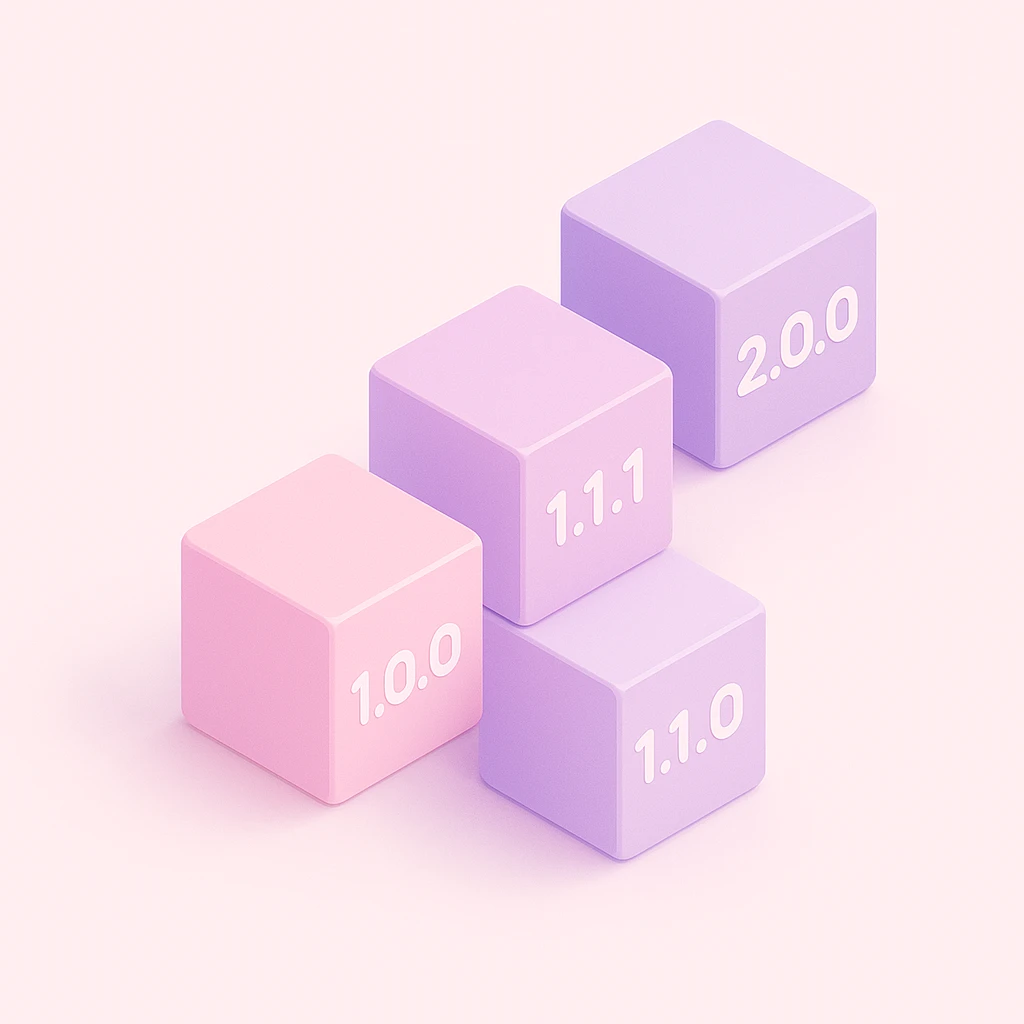
Introduction
Versioning is a critical aspect of software development that ensures stability, compatibility, and clear communication of changes. Whether you're managing a small library or a large-scale application, understanding versioning principles can save time, reduce errors, and improve collaboration. This guide looks into the essentials of versioning, offering practical insights and examples to help you handle software updates with confidence.
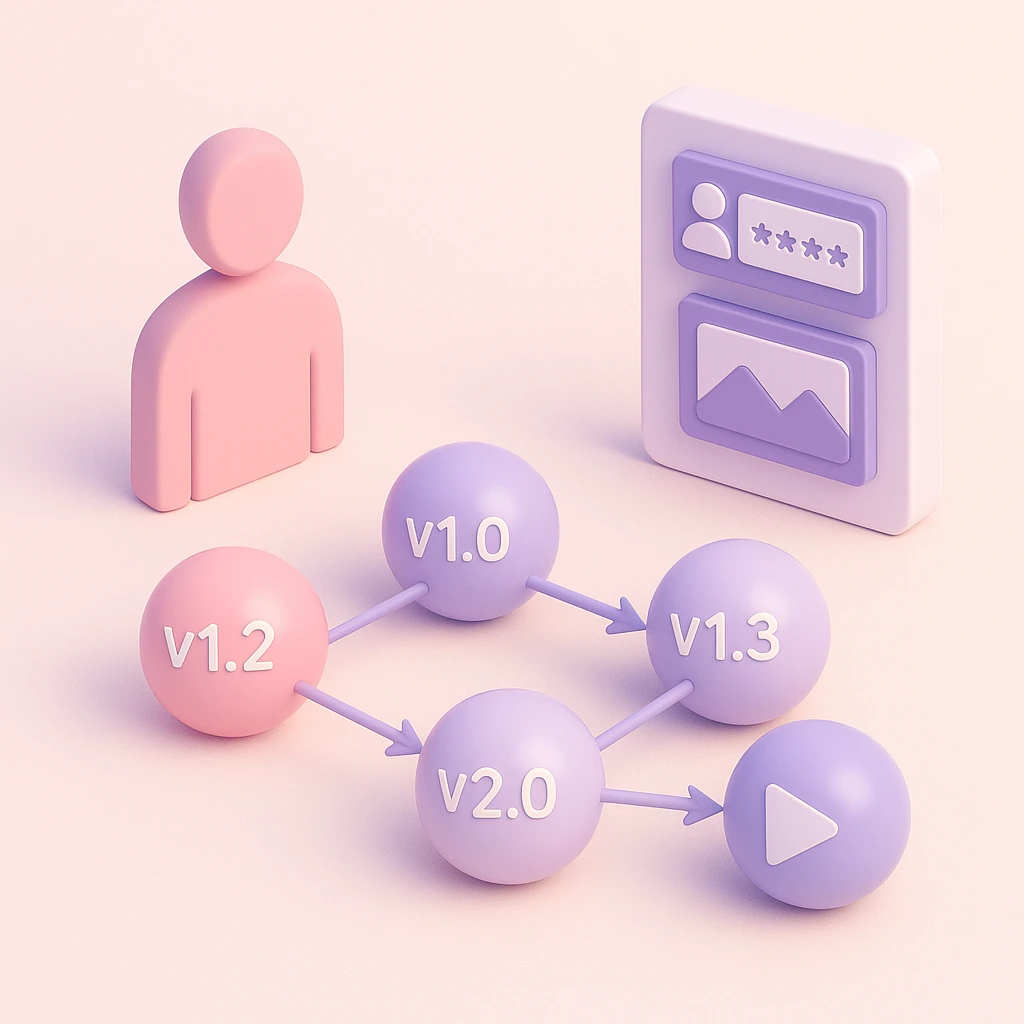
Why is Versioning Important?
Versioning is a cornerstone of software development, enabling developers to manage changes, maintain compatibility, and clearly communicate updates to users and collaborators. Modern software is often composed of numerous packages, each requiring versioning to track changes and ensure compatibility with other components.
Types of Version Updates
Patch: Patch updates address minor fixes that do not affect the software's functionality. These typically include bug fixes or small improvements.
Minor: Minor updates introduce new features that are backward-compatible, allowing enhancements without disrupting existing functionality.
Major: Major updates involve significant changes that may break compatibility with previous versions. These updates often require dependent packages or applications to adapt.

Understanding Semantic Versioning
Semantic versioning is a widely adopted system for managing library updates. It provides a structured approach to indicate whether changes are breaking or non-breaking, ensuring stability while allowing for growth. Semantic versioning follows the format X.Y.Z, where:
- X: Major version
- Y: Minor version
- Z: Patch version
You may also encounter tagged versions, which extend the format to X.Y.Z-A.B. Here:
- A: Tag name (e.g., "staging" or "beta")
- B: Build iteration (e.g., 0, 1, 2)
Tagged versions are commonly used for testing purposes. The build iteration increments with each build, avoiding unnecessary version bumps. Tags indicate the build's purpose, such as a "beta" version for testing new features.
Examples of Version Bumps
Here are some examples to illustrate version bumps:
Patch Version Bump:
- Before:
1.0.0 - After:
1.0.1 - Example: Fixing a typo in the documentation or resolving a minor bug.
- Before:
Minor Version Bump:
- Before:
1.0.0 - After:
1.1.0 - Example: Adding a new feature, such as a new API endpoint, without breaking existing functionality.
- Before:
Major Version Bump:
- Before:
1.0.0 - After:
2.0.0 - Example: Introducing breaking changes, such as removing deprecated methods or altering core functionality.
- Before:
Tagged Version:
- Before:
1.0.0 - After:
1.0.0-beta.1 - Example: Releasing a beta version for testing a new feature before the official release.
- Before:

The Role of Changelogs
Changelogs serve as a human-readable record of changes between versions. While a version bump from 1.2.3 to 1.3.3 may seem cryptic, a changelog provides clarity by detailing the updates. These often include links to Git commits for deeper insights.
Changelogs are invaluable for tracking changes, debugging regressions, and understanding feature development and design decisions.
Registries
For each version of a package, the package is built and pushed to a registry. A registry acts as a key-value store, mapping a package name (e.g., my-package) and version number (e.g., 1.2.3) to a tag (e.g., my-package@1.2.3) and its associated build artifact (e.g., an executable or JavaScript bundle).
Once a version is published to a registry, it cannot be rescinded. This guarantees immutability, ensuring that a version cannot be republished with different content, which could lead to inconsistent dependencies.
Instead, versions can be deprecated, signaling to developers that a specific version should no longer be used.
Registries are a critical part of software development, hosting all versions of a package for dependent software to use. They can be public, private, or conditional, depending on the package version. For example, private builds can be published to a registry as if they were public, allowing existing tooling to interact with these versions without modification (e.g., deploying a staging build to a staging environment).

Dependencies
Software often relies on multiple packages, each of which may depend on others. Semantic versioning helps control how changes to a package affect its dependents. Various prefixes can be used to define acceptable version ranges, such as:
^1.2.3: Allows updates to any minor or patch version, e.g.,1.2.4,1.3.0, but not2.0.0.~1.2.3: Allows updates to any patch version within the same minor version, e.g.,1.2.4, but not1.3.0.1.2.x: Matches any patch version within1.2, e.g.,1.2.0,1.2.5, but not1.3.0.>=1.2.3 <2.0.0: Specifies a range, allowing updates from1.2.3up to, but not including,2.0.0.*: Matches any version, which is generally discouraged due to lack of control over updates.1.x: Matches any minor or patch version within major version1, e.g.,1.0.0,1.9.9, but not2.0.0.~1.2: Equivalent to>=1.2.0 <1.3.0, allowing updates within the1.2minor version.^0.1.2: For major version0, allows updates to patch versions only, e.g.,0.1.3, but not0.2.0.0.1.2: Matches this version exactly.
These prefixes guide tools like npm in resolving dependencies. By using them, you can define how patch, minor, or major versions are accepted into your codebase. Tools like npm can even automate this process, such as using the ^ prefix to update to new patch versions.
If newer versions are available but your prefix does not permit automatic upgrades, you must manually update the dependency version. This often involves handling breaking changes and adapting your code accordingly.

Common Pitfalls in Versioning
While versioning is a critical practice, there are several common pitfalls that developers should avoid:
Skipping Changelogs: Failing to maintain a changelog can leave users and collaborators in the dark about what has changed between versions. This can lead to confusion and difficulty in debugging.
Improper Version Bumps: Using the wrong version bump (e.g., a minor bump for a breaking change) can mislead users and cause unexpected issues in dependent software.
Overusing Tagged Versions: Excessive reliance on tagged versions (e.g.,
beta,alpha) without clear documentation can create confusion about the stability and purpose of a release.Neglecting Dependency Updates: Ignoring updates to dependencies can lead to security vulnerabilities and compatibility issues over time.
Breaking Backward Compatibility Without Warning: Introducing breaking changes without proper communication or a major version bump can disrupt users and damage trust.
Using Wildcard Version Ranges: Overly permissive version ranges (e.g.,
*) can lead to unpredictable behavior when dependencies update unexpectedly.
By being mindful of these pitfalls, developers can ensure a smoother experience for both their teams and their users.

The Risks of Staying in the 0.x.y Range
Many developers leave their software in the 0.x.y version range for extended periods, often under the assumption that it signals the software is still in development. However, this practice can lead to several issues:
Lack of Clarity: Semantic versioning assumes that
0.x.yversions are unstable and may introduce breaking changes at any time. This can deter users from adopting the software, as they cannot rely on backward compatibility.Missed Opportunities for Growth: Staying in the
0.x.yrange can signal a lack of confidence in the software's stability, potentially discouraging contributors and users from engaging with the project.Difficulty in Communicating Changes: Without clear major, minor, and patch versioning, it becomes harder to communicate the scope and impact of changes to users. At Prosopo, we have experienced breaking changes from 3 separate libraries each with only a patch version bump in the
0.x.yrange!Increased Risk of Breaking Changes: Developers may feel less constrained about introducing breaking changes in
0.x.yversions, leading to instability and frustration for users.
Why Semantic Versioning Matters
Semantic versioning provides a structured framework for managing software updates, even during early development. By moving to 1.0.0 and adhering to semantic versioning principles, developers can:
- Clearly communicate the stability and maturity of their software.
- Provide users with confidence that minor and patch updates will not introduce breaking changes.
- Foster trust and collaboration by signaling a commitment to stability and reliability.
While it may seem daunting to move out of the 0.x.y range, doing so demonstrates confidence in the software and a commitment to maintaining compatibility and clarity for users. It is a critical step in building maintainable software systems.
Conclusion
Versioning is a fundamental practice in software development, ensuring stability, compatibility, and clarity in a rapidly evolving ecosystem. By adhering to semantic versioning principles, maintaining detailed changelogs, and using registries effectively, developers can manage dependencies and updates with confidence. Understanding and applying these concepts not only streamlines development but also fosters collaboration and trust among teams and users. Embracing versioning best practices is essential for building maintainable, scalable software systems.
Related reading
 Technical · How to deploy Procaptcha on your website or app How to switch from Google's reCAPTCHA to Prosopo Procaptcha and protect your website or app from bots for free.
  CAPTCHA · TypeScript: Mapped Type Magic 🪄 TypeScript mapped types can make Cat === Dog — a weird paradox. How to brand identical structural types so the compiler can tell them apart.
  CAPTCHA · Vite: How to handle .node files Vite can't bundle .node native binaries — it treats them as raw JS and blows up. Our custom rollup plugin that copies .node files through the build.
  Technical · Using Vite To Rebuild Local Dependencies in an NPM Workspace Vite ignores local workspace packages because they sit outside its module graph — the config trick that forces Vite to rebuild sibling npm packages. CAPTCHA · TypeScript: Branded Types 🔧 How to brand TypeScript types for norminal typing, providing an automated and easy-to-use way of making a type nominal.
  CAPTCHA · actions/cache@v3 restore: GitHub Actions Cache Fix Fix GitHub Actions caching with actions/cache@v3 and actions/cache/restore: share caches across branches and evict old caches faster.
Ready to ditch Google reCAPTCHA?
Procaptcha is free for 10K requests a month. No credit card, no cookies.