
Gravity Forms Spam Protection: How to Stop Spam Submissions
Stop spam on Gravity Forms — Procaptcha blocks bot submissions, fake signups and abusive networks. Free tier covers 10,000 verifications per month.

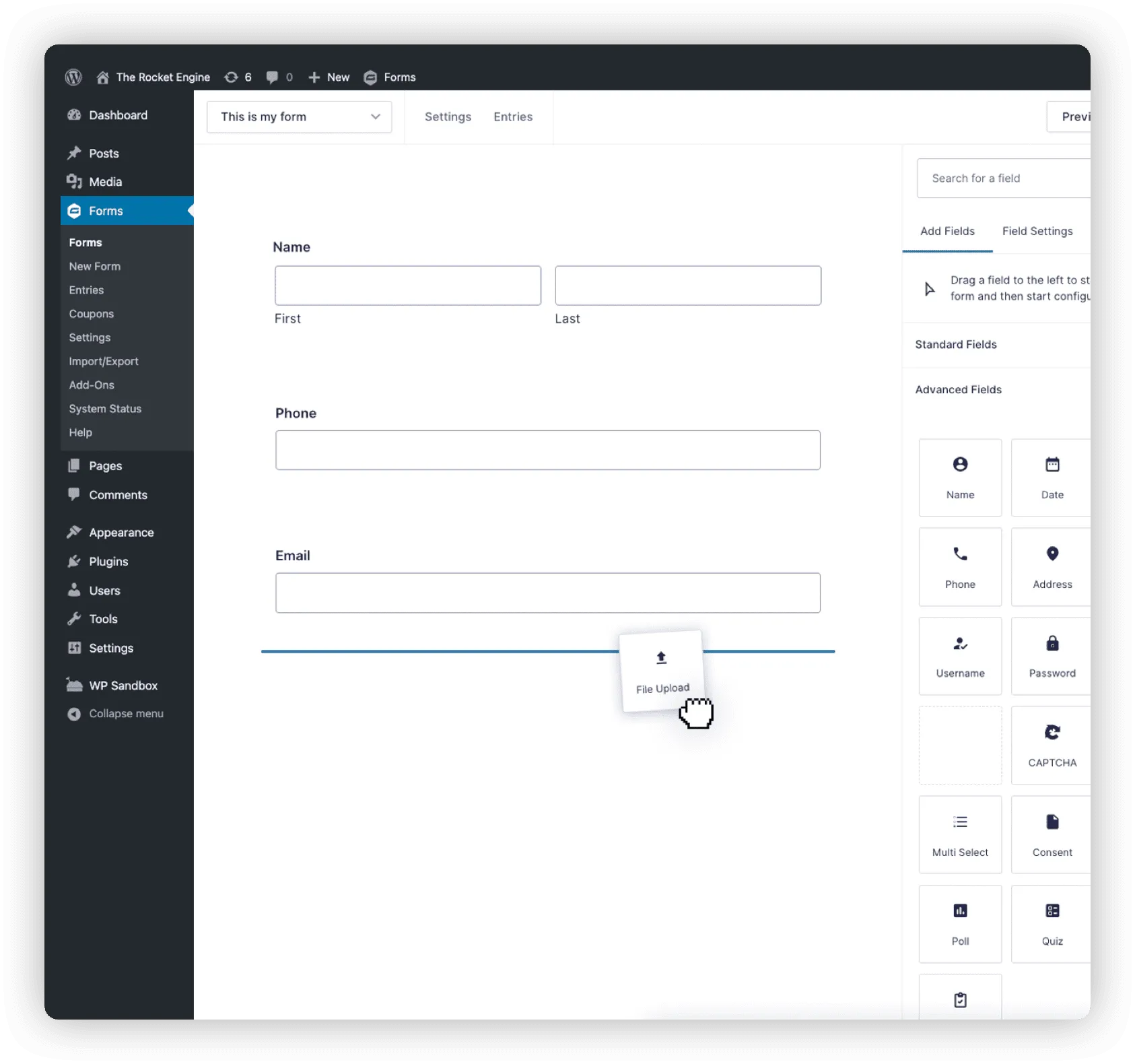
If your Gravity Forms submissions are filling up with junk, the fix isn't a smarter inbox rule or a content filter — it's stopping the bot before it submits. This guide shows how to add Prosopo Procaptcha to Gravity Forms in a few clicks, so legitimate visitors pass invisibly and bots are blocked at the source.
For the underlying problem and the broader picture, see our spam bot protection use case.
What is Gravity Forms?
Gravity Forms is a powerful and feature-rich form builder plugin for WordPress, designed to create complex forms with ease. It offers a drag-and-drop interface, allowing users to build custom forms without the need for coding skills. The plugin supports a wide range of form types, including contact forms, surveys, registration forms, order forms, and more.
Key features of Gravity Forms include advanced field options such as text, dropdowns, checkboxes, file uploads, and calculations. It also supports conditional logic, enabling the display or hiding of form fields based on user input, which enhances form customization and user experience.
Gravity Forms integrates with popular third-party services, including email marketing platforms (e.g., Mailchimp, Constant Contact), payment gateways (e.g., PayPal, Stripe), and CRM systems (e.g., Salesforce), allowing for seamless automation and data management. The plugin also offers multi-page forms and file upload capabilities, making it suitable for more complex workflows.
Why Use Prosopo Procaptcha With Gravity Forms?
Prosopo is a specialist bot and agent trust platform. Every block comes with a reason, in plain words, on a proprietary detection engine with an open-source client stack. UK-incorporated, EU-processed, GDPR-native. It stops the abuse patterns WordPress form spam alone doesn't cover:
- Scraping
- Denial of inventory
- Credential stuffing
- Account takeover
- Click through rate/ad fraud
- Ticket scalping
- Black friday automation (and more general sale automation)
- Phishing attacks
- Loyalty programme automation
Prosopo also keeps visitor data out of Google's data controller chain for reCAPTCHA telemetry — the 2026 reCAPTCHA terms change reclassified Google as controller rather than processor.

How to integrate Prosopo Procaptcha with Gravity Forms
Install the Prosopo WordPress plugin
Register for a free account on Prosopo
Login to the Prosopo dashboard, and copy your site key and secret key
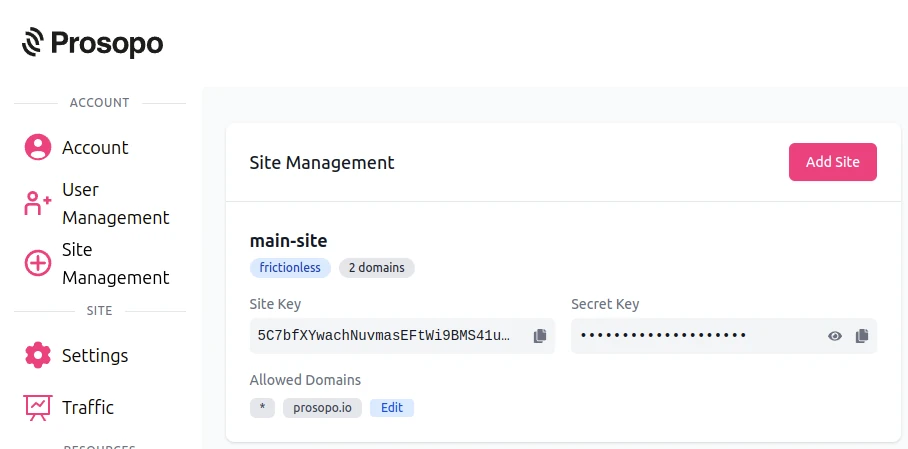
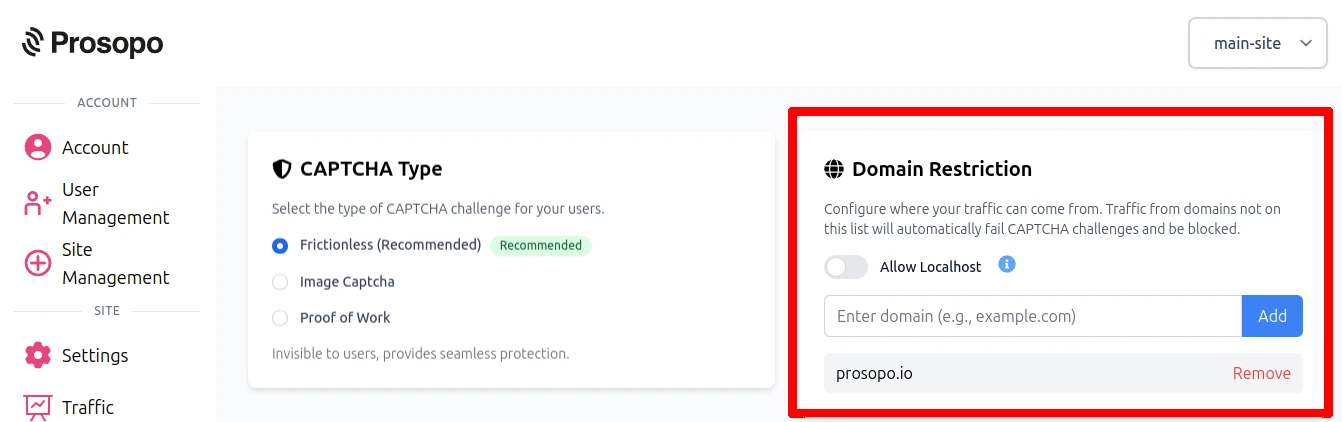
- Add your domain in the Prosopo dashboard, if it is not already present
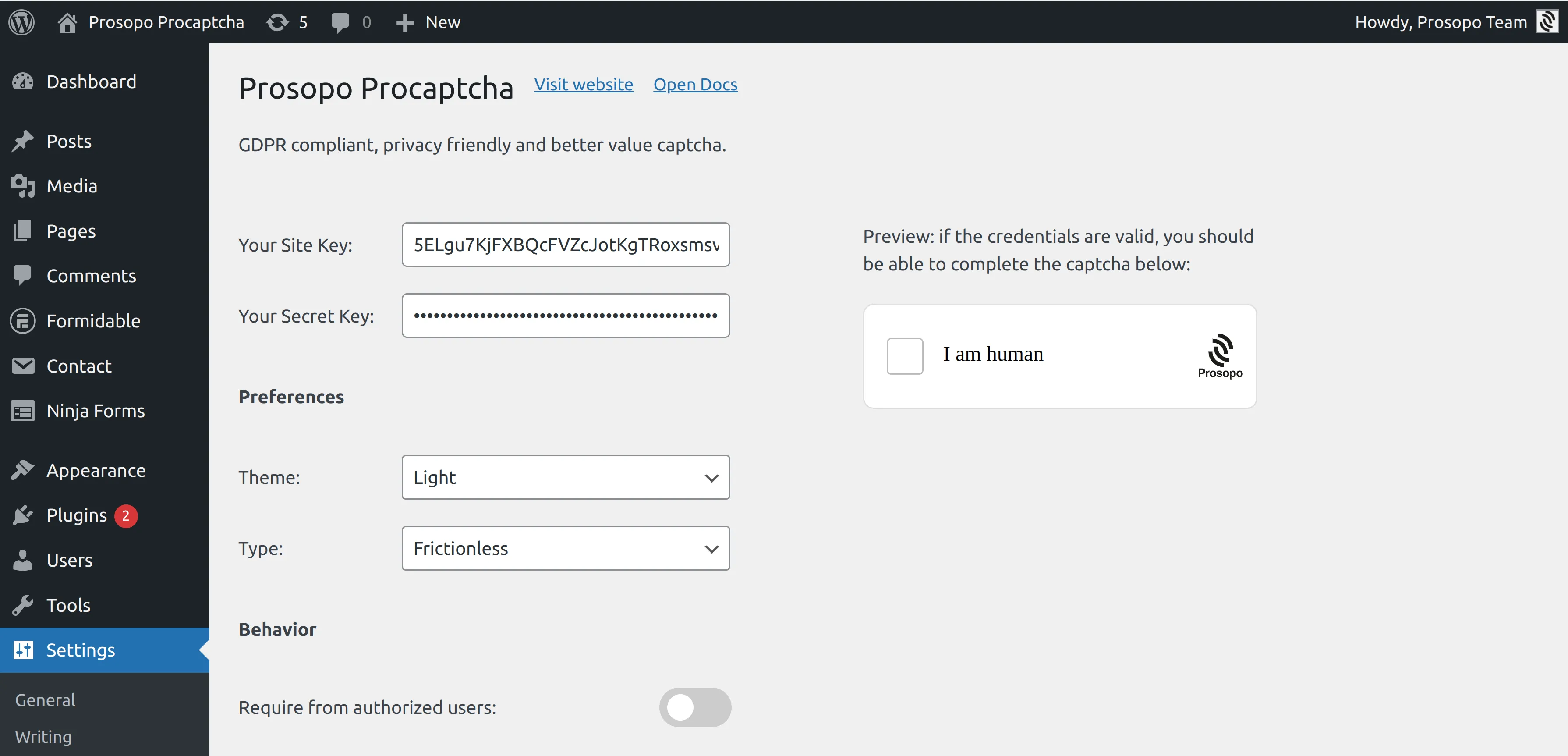
- Add your site key and secret key to the Prosopo WordPress plugin settings. You can find them in Site Management in the Prosopo dashboard.
- From within any Form in Gravity Forms, select "Prosopo Procaptcha".
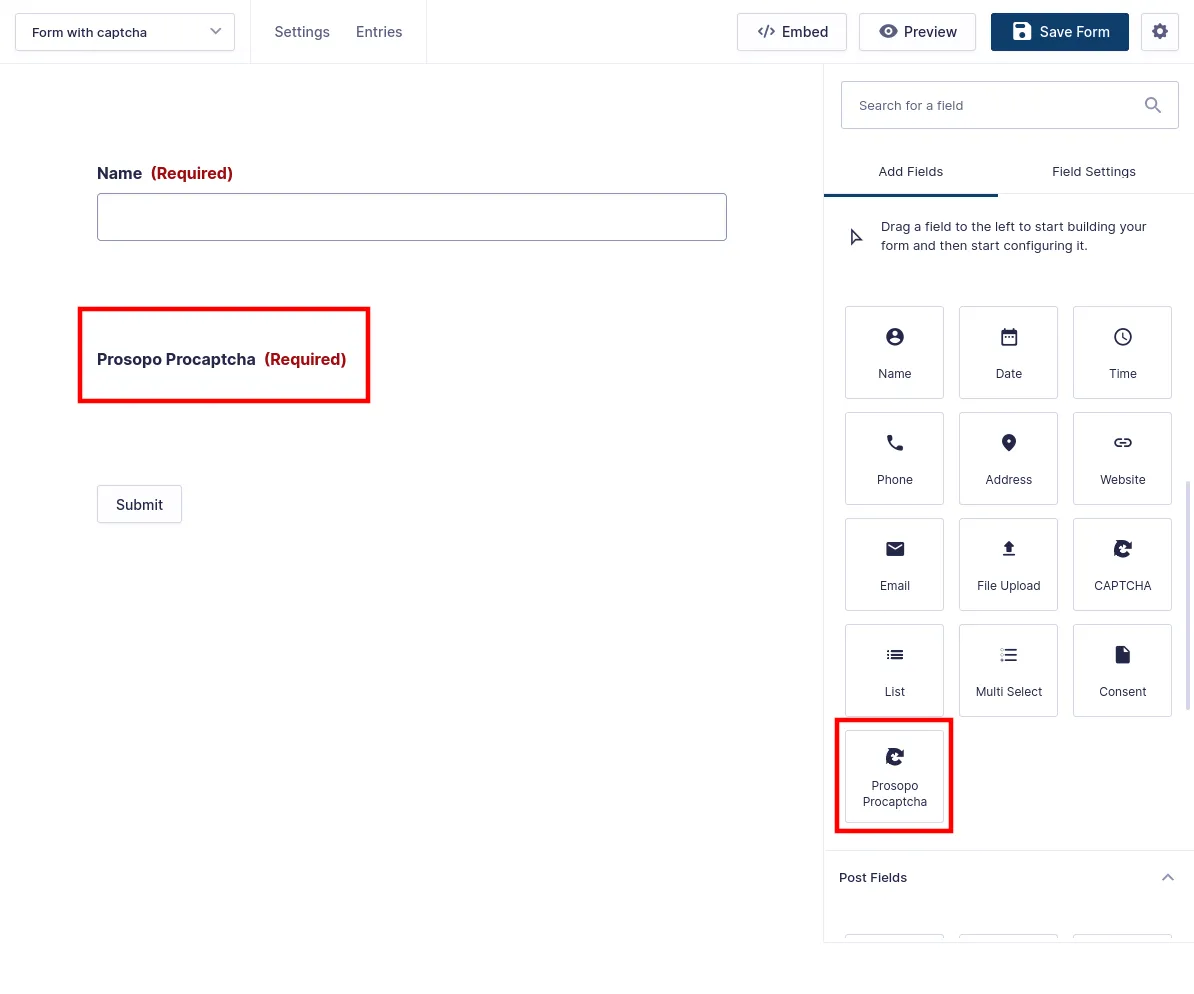
Once you save the form, CAPTCHA will automatically be included in it. Remember to repeat the process for every Gravity Form you want to add CAPTCHA to.