
How to add CAPTCHA to Fluent Forms
Block bots on Fluent Forms without slowing your site — Procaptcha adds a free, privacy-first CAPTCHA to any Fluent Forms build in a few clicks.

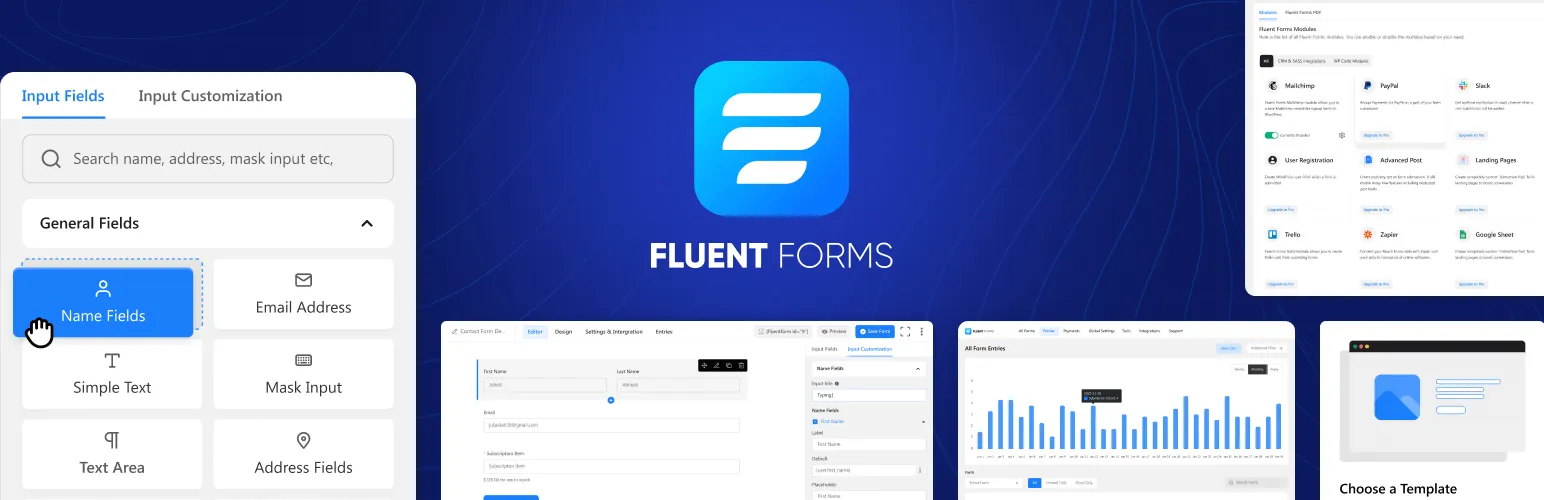
What is Fluent Forms?
Fluent Forms for WordPress is a powerful and user-friendly form builder plugin designed to create custom forms for websites. It offers an intuitive drag-and-drop interface that allows users to design a wide range of forms, such as contact forms, surveys, quizzes, registration forms, and more, without any coding knowledge. The plugin supports various field types, including text, radio buttons, checkboxes, dropdowns, and file uploads, enabling users to collect diverse types of information from their visitors.
Fluent Forms comes with advanced features such as conditional logic, multi-step forms, and email notifications. It allows simple integrations with popular email marketing platforms, CRM tools, and payment gateways, making it ideal for both simple and complex form-based workflows.
Additionally, Fluent Forms provides users with options to store form submissions in the database, export data to CSV, and generate reports for easy analysis. The plugin is also optimized for performance, ensuring fast form loading times. Whether for basic forms or sophisticated workflows, Fluent Forms offers a flexible and scalable solution for WordPress users looking to enhance their website functionality.
Why Use Prosopo Procaptcha With Flent Forms?
Prosopo is a specialist bot and agent trust platform. Every block comes with a reason, in plain words, on a proprietary detection engine with an open-source client stack. UK-incorporated, EU-processed, GDPR-native. It stops the abuse patterns WordPress form spam alone doesn't cover:
- Scraping
- Denial of inventory
- Credential stuffing
- Account takeover
- Click through rate/ad fraud
- Ticket scalping
- Black friday automation (and more general sale automation)
- Phishing attacks
- Loyalty programme automation
Prosopo also keeps visitor data out of Google's data controller chain for reCAPTCHA telemetry — the 2026 reCAPTCHA terms change reclassified Google as controller rather than processor.

How to integrate Prosopo Procaptcha with Fluent Forms
Install the Prosopo WordPress plugin
Register for a free account on Prosopo
Login to the Prosopo dashboard, and copy your site key and secret key
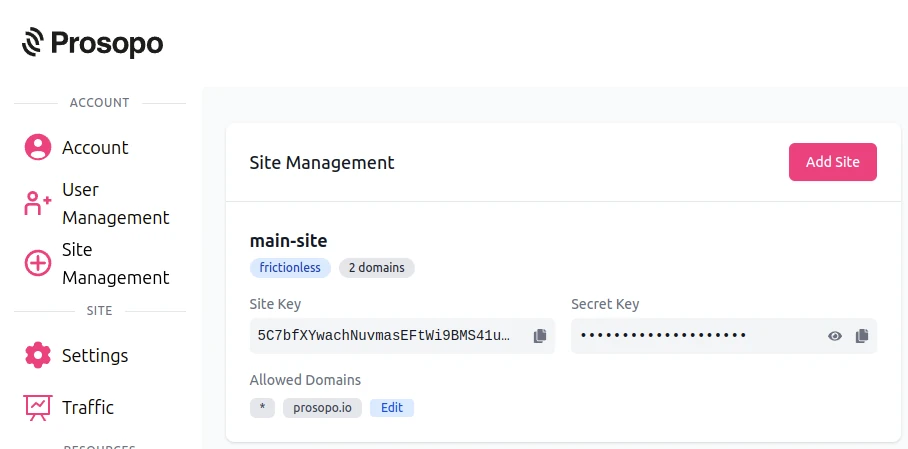
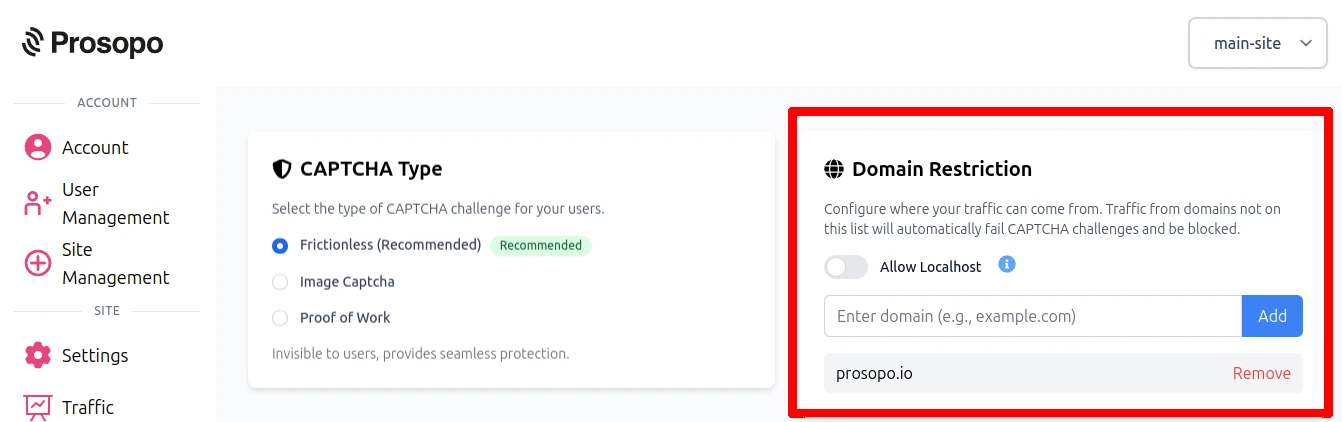
- Add your domain in the Prosopo dashboard, if it is not already present
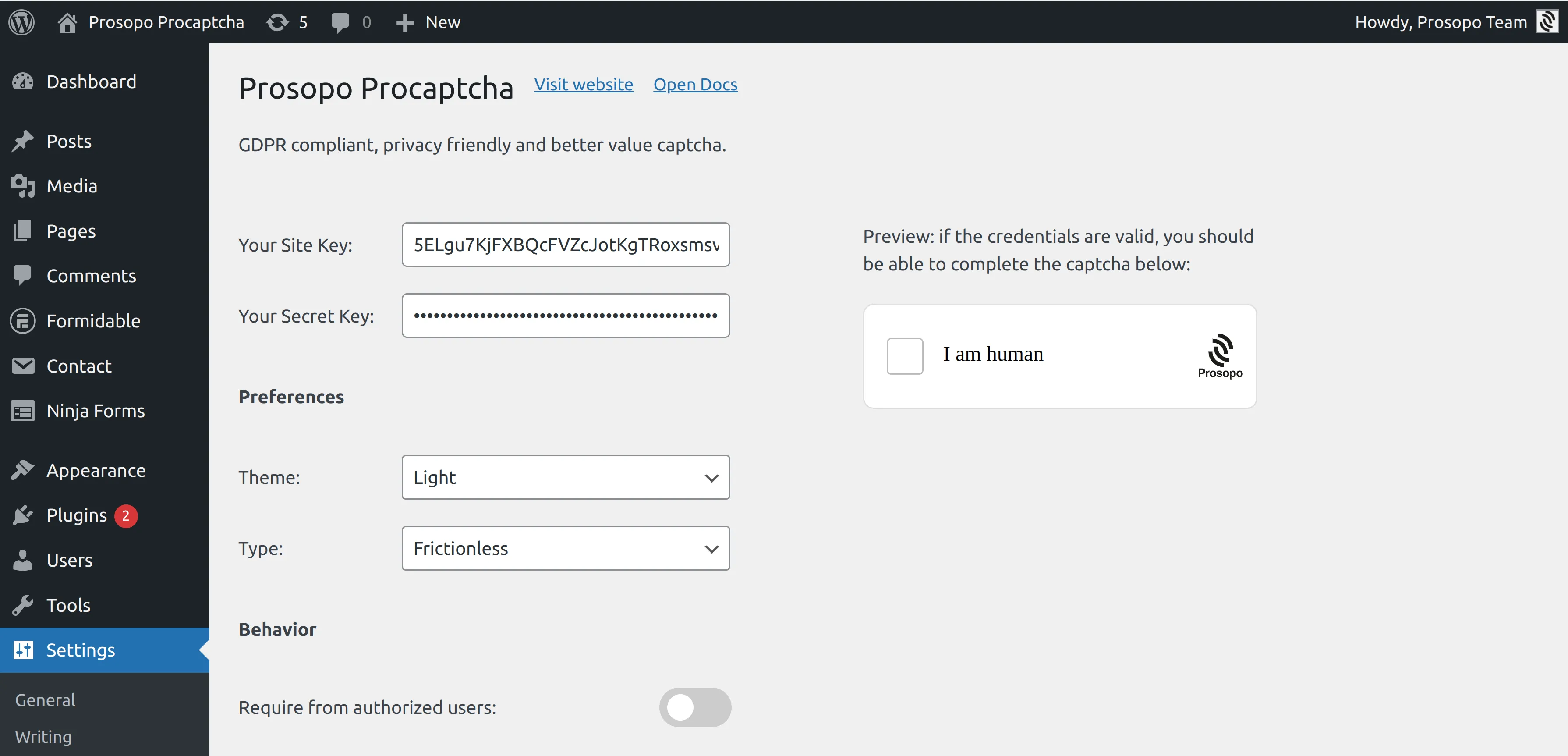
- Add your site key and secret key to the Prosopo WordPress plugin settings. You can find them in Site Management in the Prosopo dashboard.
- From within any Form in Fluent Forms, select "Prosopo Procaptcha".
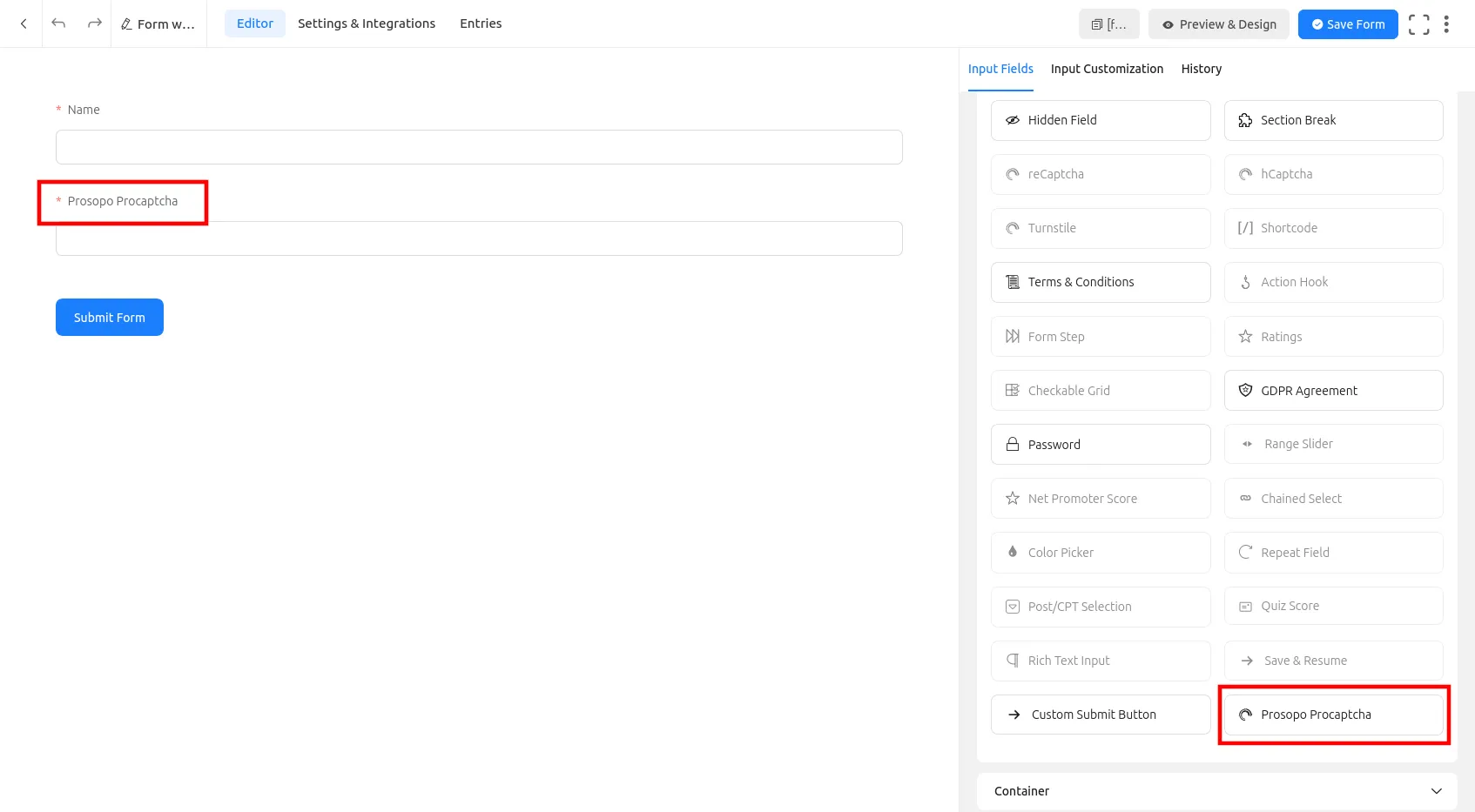
Once you save the form, CAPTCHA will automatically be included in it. Remember to repeat the process for every Fluent Form you want to add CAPTCHA to.
Related
- Spam bot protection — the broader use case: why your forms get spam and how to stop it across every platform.
- Free anti-spam for WordPress — all 16 WordPress plugin integrations on one page, plus Akismet positioning.
- Spam Filter — pair the CAPTCHA with email-pattern and traffic-source filtering (Gmail dot-trick, VPN/Tor, disposable domains).