
OpenAI dots: what an always-on agent does to your site, and how to tell it is there
OpenAI's dots browse from a cloud computer and fall back to the user's own one when blocked. What sites see, how to verify the signed requests, and what to do.

7 min read
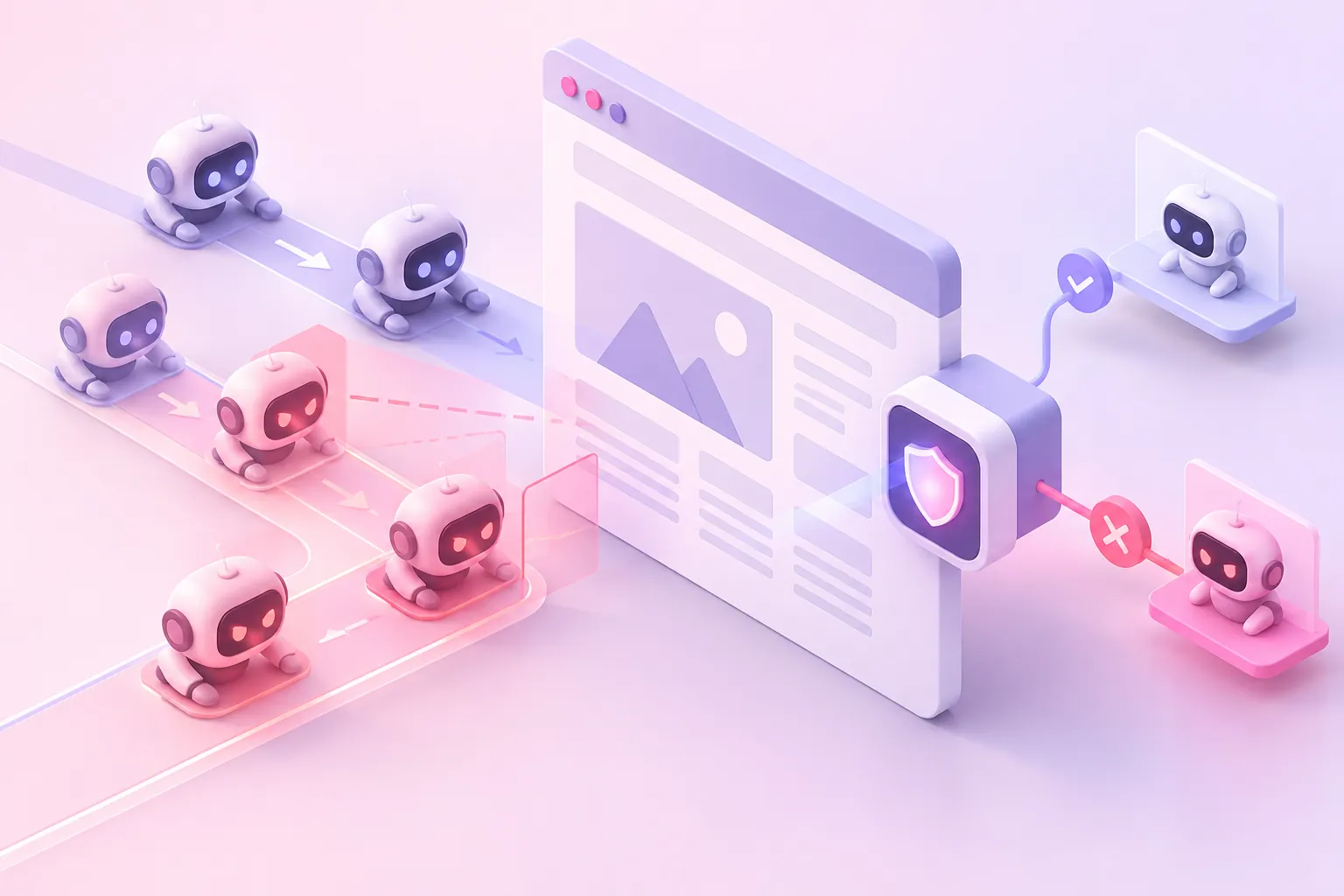
OpenAI announced dots at its DevDay on 29 September 2026. A dot is a personal agent that stays on: it holds ongoing tasks, keeps working when the user is not talking to it, and, in OpenAI's words, has "its own computer and browser" in the cloud. It launched for ChatGPT Pro and Business Premium, with a beta for Enterprise workspaces.
For a website, a dot is another agentic browser, with two differences. When it uses its cloud browser it signs its requests, which makes it one of the few consumer agents you can verify. And when a site blocks that browser, OpenAI tells users to send the dot through their own computer instead, where it carries no signature at all.
What a dot does
Commenters on Hacker News put dots alongside Meta's Muse and xAI's Grok Bot. All three work the same way from a site's point of view: a browser session driven by a model on behalf of a person, not a crawler.
According to OpenAI's documentation and early write-ups such as Flavio Copes's walkthrough:
- Each dot has its own cloud computer and browser. It keeps running when the user's laptop is off. The cloud browser has its own sessions and does not inherit logins from the user's personal browser, so a dot signs in to your site as a new device.
- It can do background "proactive research", reading from apps the user has connected. The tools it uses for this are restricted: they cannot send messages, change content or control a browser.
- Purchases need the user's approval, which can be given in advance only for that specific purchase.
- It can use a connected computer. The user can link a computer running the ChatGPT desktop app, and the dot can then work through that machine's local browser.
What your site sees
From the cloud browser: Chrome on Linux, signed. OpenAI has not published a user-agent for dots, and its crawler documentation does not list them. Verisoul reports that the cloud browser sends an ordinary Chrome on Linux user-agent with no dots or OpenAI token. What it does send is a Web Bot Auth signature: each request carries Signature, Signature-Input and a Signature-Agent header of "https://chatgpt.com", verifiable against the public keys OpenAI publishes at chatgpt.com/.well-known/http-message-signatures-directory. When we fetched that directory it held one Ed25519 key with an expiry a few days out, so refetch it rather than pinning the key.
Two caveats. OpenAI's dots documentation does not say that every dot request is signed, and Centinel Analytica points out that a valid signature proves which key signed the request, not who is operating the agent or what they are authorised to do on your site.
No IP ranges. OpenAI publishes IP ranges for its crawlers and for ChatGPT-User, the fetcher that reads a page when someone asks ChatGPT a question. It publishes none for the cloud browser. The IP-range checks in our guide to detecting AI agents do not apply.
From a connected computer: the user's own browser. OpenAI's documentation says: "If a website blocks the cloud browser, ask your dot to try your connected computer." That request comes from the user's own machine, browser and home connection, with no OpenAI identity at all. Search Engine Journal and Akamai both picked up the same line. Blocking the signed cloud browser does not stop the dot. It moves it somewhere you can no longer verify.
Who is blocking agents like dots
United Airlines announced on 11 November 2026 that it is banning third-party AI agents from booking flights for travellers, which we cover in United banned AI agents from booking. CBS's report on the ban named Meta's Muse and OpenAI's dots as the kind of consumer agent concerned, and quoted United saying that sharing account credentials with third-party AI assistants "can expose sensitive information". Amazon cut Muse off from shopping on its site in September. OpenAI's own documentation acknowledges that "some websites block cloud browsers or require further verification".
What to do about dots
Verify before you decide. Check the Web Bot Auth signature on requests that carry a Signature-Agent header, and make sure your CDN or proxies pass the Signature, Signature-Input and Signature-Agent headers through to wherever you verify them. A request that claims to be from chatgpt.com without a valid signature is not. The name on a request is a weak signal: 53% of the 53,186 requests to prosopo.io carrying an AI user-agent between 15 October and 11 November 2026 came from addresses that did not belong to the vendor named.
Think about what a block actually does. A blanket block on the signed cloud browser pushes a determined user onto their own computer, where the same agent arrives as an ordinary visitor. Letting the signed, verified dot browse, and asking for a person on the steps that cost you money, such as checkout, signup or a password change, keeps the traffic where you can see it. We cover that policy in more detail in agentic browsers.
Judge the unsigned ones on behaviour. A dot working through a connected computer looks like its owner, so the useful signals are the same as for any agentic browser: input timing, how the session moves through the site, and how many sessions share a pattern.
Prosopo Protect is a script tag on your pages, with edge protection on Cloudflare Workers or AWS Lambda@Edge. Access Rules match on IP range, ASN, user-agent, JA4 fingerprint and IP category, so you can write a policy per path, and every block names the detector that fired, so when a customer's agent is stopped you can tell them why.
Seeing agent traffic you cannot place?
A Bot Exposure Assessment is a 30-minute call with an engineer. We look at your traffic, show where your current setup leaves gaps, and agree how a trial would be judged. Nothing to install first.
Questions
Something else? Ask an engineer.
What is an OpenAI dot?
A dot is an always-on personal agent in ChatGPT, announced at OpenAI's DevDay on 29 September 2026. Each dot has its own computer and browser in the cloud, keeps working between conversations and while the user's own computer is off, and hands larger jobs to ChatGPT Work or Codex. It launched for ChatGPT Pro and Business Premium, with a beta for Enterprise workspaces.
What user-agent does an OpenAI dot send?
No agent name. Bot-detection vendors that have examined the traffic report that the dot's cloud browser sends an ordinary Chrome on Linux user-agent with no dots or OpenAI token, and OpenAI's crawler documentation does not list dots. A robots.txt rule therefore has nothing to match.
How do I verify a request from an OpenAI dot?
Check the Web Bot Auth signature. OpenAI's cloud browser signs requests with HTTP Message Signatures and a Signature-Agent header of "https://chatgpt.com", and publishes its public keys at chatgpt.com/.well-known/http-message-signatures-directory. Verify the Signature and Signature-Input headers against that key before trusting the request, and refetch the directory rather than pinning a key, because the keys are short-lived. OpenAI does not publish IP ranges for the cloud browser.
What happens if I block an OpenAI dot?
The user can tell it to try again from their own computer. OpenAI's documentation says that if a website blocks the cloud browser, the user can ask the dot to use a connected computer instead. That request then comes from the user's own browser and home connection and carries no OpenAI signature, so blocking the signed cloud browser can turn a verifiable visitor into an unverifiable one.
Has any company banned OpenAI dots?
United Airlines announced on 11 November 2026 that it is banning third-party AI agents from booking flights for travellers, and CBS's report on the ban named Meta's Muse and OpenAI's dots as the kind of consumer agent concerned. OpenAI's own documentation also says some websites block cloud browsers or require further verification.
Related reading
 Agentic browsers: your customer is now a robot, and that is fine An agentic browser is automation operated by a real customer. It fails every classic bot test and still deserves to reach your checkout. The answer is to require evidence of a human on particular steps, rather than to judge the client.
 Perplexity Comet: what an agentic browser does to your site, and the court case about it Comet is free on every platform and its agent acts on sites for a real user. Amazon sued over exactly that, won an injunction, then lost it on appeal. The access question is now a live legal one.
 ChatGPT Atlas has been discontinued: what replaced it and what it means for your site OpenAI switched Atlas off on 9 August 2026, 292 days after launch. The browser is gone, the agentic traffic is not, and the replacements reach your site from different places. How to detect AI agents on your website Over half the AI-agent traffic in our logs was spoofed. Check crawlers against vendor IP ranges or signatures, and judge agentic browsers on behaviour.
 Ticketing · United banned AI agents from booking. Here is how to control them at checkout instead United banned AI agents from booking, but customers would rather talk to an assistant than use the site. How brands adapt, and where to draw the line. Gray bots: how to decide which AI crawlers and agents to allow Gray bots are automated visitors that are neither clearly good nor clearly bad: AI crawlers, assistants fetching pages and personal agents. What Gartner means by the term, and a policy for each part of your site.