
United banned AI agents from booking. Here is how to control them at checkout instead
United banned AI agents from booking, but customers would rather talk to an assistant than use the site. How brands adapt, and where to draw the line.

Ticketing 12 min read
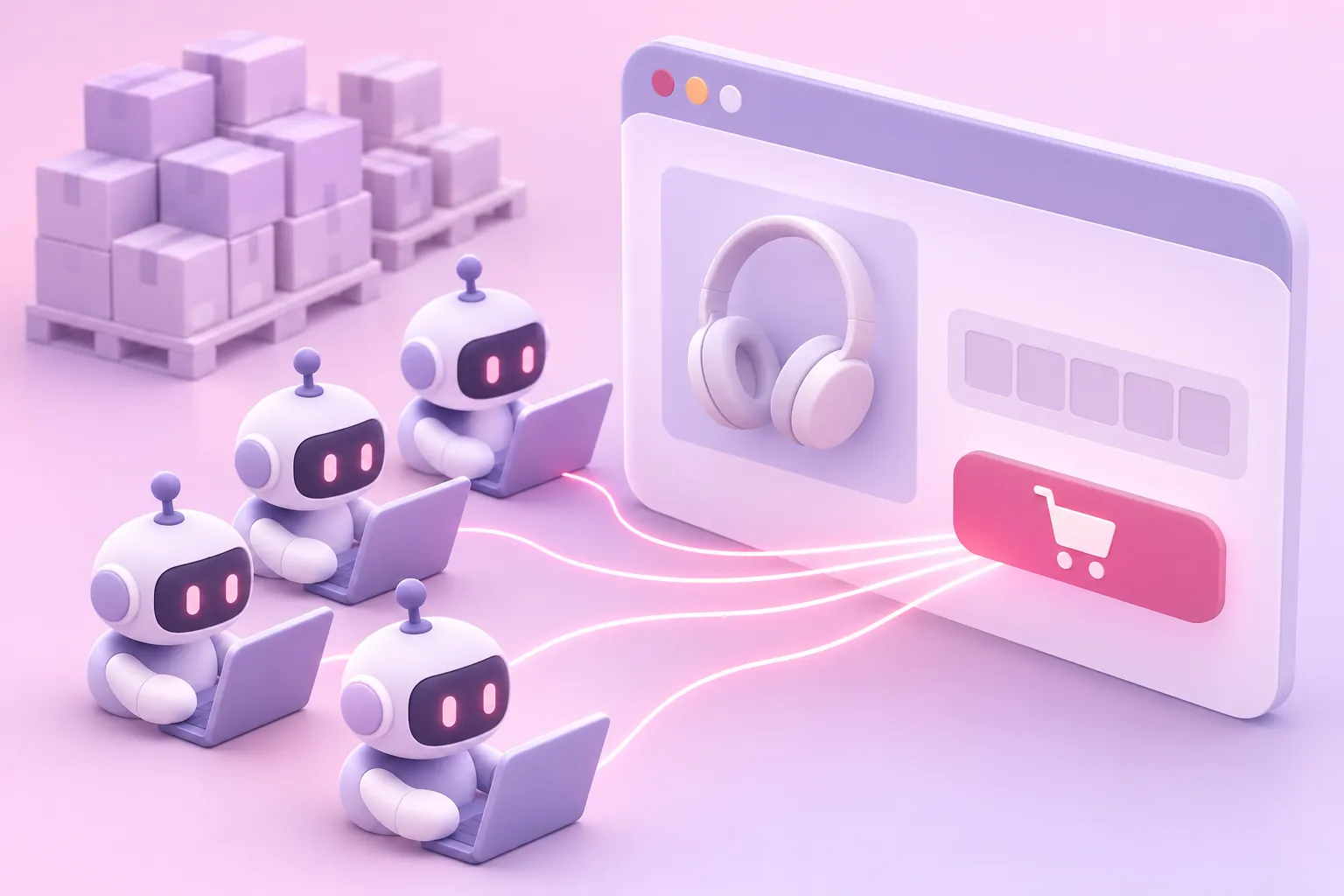
On 11 November 2026, United Airlines banned AI agents from booking its flights. The change is in its Contract of Carriage: a new rule prohibits using AI agents "to make, modify or service a Ticket" or to buy any service or product, whether or not a passenger supervises or approves what the agent does. Travellers can still use AI to research and compare fares. United can cancel reservations an agent made or changed, without notice. CBS News named Meta's Muse and OpenAI's dots as the kind of consumer agent concerned.
It is the second large company in two months to shut a personal AI agent out of its checkout. In September, Amazon blocked Meta's Muse from shopping on Amazon.com. Southwest went the other way and made its flights viewable to ChatGPT users, and Delta runs its own assistant, Delta Concierge.
Every site that sells something limited, from flights to concert tickets, is going to have to make the same decision. This is how to make it, and how to make it hold.
What United and Amazon actually said
United gave three reasons, as reported by CBS News. Customers sharing their account credentials with "personal, third-party, AI assistants can expose sensitive information". Agents "may result in unintended purchases, account changes, or use of MileagePlus miles". And checking in through an agent could conflict with federal rules that require passengers to confirm in person that their bags hold no banned items. Its chief executive, Scott Kirby, was blunter: he does not want another middleman between United and its customers.
Amazon's message to Muse users reads: "Continued access by an unauthorized AI agent violates Amazon's Conditions of Use, to which our customers have agreed." Its complaints, reported by PPC Land, were that Meta never asked, that Muse does not identify itself while browsing, and that it appears to store customers' credentials. Meta says Muse cannot see passwords or payment details, and that a separate agent approves what Muse sends to the internet.
Both companies are drawing the same line. Research is fine. Spending the customer's money, or changing their account, through an agent the business did not agree to is not.
A contract is not a control
United's rule gives it the right to cancel. It does not stop an agent booking a seat in the first place. United has not said how it will spot agent bookings, and the agents it is worried about are built not to stand out.
Meta's Muse browses from a Linux computer in Meta's cloud and presents an ordinary desktop Chrome browser on Linux, with no agent name in the user-agent and no request signature, according to researchers at Arcjet. A booking made that way looks like a person booking, right up until a customer disputes a fare they say they never meant to buy. A ban you can only enforce after the fact means cancelling bookings your customers believe they made, which is its own problem.
So the policy needs something at the point of sale that can tell a person from an agent, and one agent from another.
What the people booking the flights think
In the Hacker News discussion of United's ban, very few commenters defended it, and very few attacked it on security grounds. Most attacked the booking page. One repeated the line that airline booking pages are "one of the most sophisticated CAPTCHAs". Another called airline sites "a stress inducing mess", adding that "people are desperate to offload it and avoid it, even at the risk of trusting a robot with a credit card". A third put the commercial point plainly: letting agents in through an API "makes you skip upsells", which is "a big loss for airlines / anyone who sells anything".
And one simply said: "I have booked several flights using cdp browsing with my local agent. The more friction they add for agents, the more there will be for humans."
A ban holds back a tide
Our reading of that thread is that the agent is not really the thing customers are choosing. They are choosing not to use the interface. For twenty years the booking page has been where an airline sells: seat upgrades, bags, insurance, the fare that is cheaper on a different day. An assistant collapses all of that into "book me the 7am to Denver, aisle, under $300", and the upsell has nowhere to appear.
Seen that way, a ban on agents is King Canute ordering the tide back. It may slow the agents that announce themselves, and it will annoy the customers who like them most. It does not change the fact that a growing share of people would rather type a sentence than click through twelve screens.
It can also make the agents harder to see. Most of today's agents browse from a computer in their maker's cloud, which a site has some chance of recognising. When a site refuses them, the easy fix for the customer is an agent that works inside the browser on their own laptop instead. OpenAI already tells users of its dots agent to do exactly that when a website blocks it. That agent then arrives with the customer's own device, logins and home connection, and looks almost exactly like the customer browsing by hand.
How brands survive when the chat window is the storefront
If the assistant becomes the interface, the brand's job moves. Four things matter more than the booking page.
Be the answer the assistant gives. Assistants read pages to answer questions and cite what they read. On our own site, AI assistants made about 160 reads for every person who then clicked through. That is a channel you only win by being worth quoting: clear prices, real availability, facts an assistant can lift into an answer.
Give customers' agents an official way to use your site. When an agent scrapes your booking page, you cannot set limits on it and it never sees the offers you show people. An API or agent channel lets you set the rules: what an agent may read, what it may buy, how fast, and with which offers attached. The commenter who wanted airlines to "open up an API or MCP server for agents" made exactly this case: "a known access point which you can control and rate limit". Southwest's ChatGPT integration is an early version of it, and the Personal Agent Protocol from Meta and Sierra is an attempt to standardise how agents sign in with limited permissions.
It has to work with the customer's own agent, not only with yours. Building your own assistant, as Delta has with Delta Concierge, is useful, but it is not what the customers who already delegate are asking for:
Keep the customer at the steps that cannot be delegated. Paying, consenting, changing an account, the declarations United has to collect at check-in. That is where the brand still meets the person, and where a person should be required.
Know which agent is on your site. None of the above works unless you can tell agents using the official route from agents scraping the booking page, and both from people.
The agent that looks exactly like your customer
Agents that run in the customer's own browser, not in a data centre, are the hardest to spot.
Chrome has a built-in way for a program to drive it, the Chrome DevTools Protocol, which is what tools like Puppeteer and Playwright use. In Chrome 136 Google stopped it working on a person's everyday browser profile, because malware was using it to steal cookies. From Chrome 144 there is a deliberate way back in: the user turns on remote debugging in chrome://inspect, approves a prompt, and an agent can attach to the browser they are already using, signed in to everything they are signed in to. Google's own DevTools MCP server does this with one flag.
From the website's side, that agent is the customer. The device, screen, fonts and graphics card are real. The cookies are the customer's, including the loyalty account. The connection is their home broadband. Chrome can show a warning banner while software is in control, but it can be switched off, and even when it shows, only the person at the screen sees it. The site never does. Every check that asks "is this a real browser on a real device" passes, because it is one.
What is left is how the input arrives and how it behaves: the path of the pointer, the rhythm of the typing, the small hesitations of a hand. Those are now the only signals that separate a customer from an agent running in their browser, and agent builders will try to imitate them next.
Decide flow by flow, not site by site
Blocking agents from the whole site is the bluntest option, and it costs you something real: assistants that cannot read your pages cannot recommend you. A better starting point is to look at each flow and ask what an agent should be allowed to do there.
| Flow | Let agents do it? | Why |
|---|---|---|
| Browse, search, compare prices | Yes | It is how assistants find and cite you. Both United and Amazon allow it |
| Read availability and stock | Usually, with rate limits | Agents polling availability at volume look like the scalper bots that hoard inventory |
| Sign in | Only with the customer present, or an agent you have approved | Handing a password to an agent is the credential risk both companies named |
| Checkout and payment | A person, or an approved agent | This is where unintended purchases and disputes happen |
| Change or cancel a booking, redeem points | A person | Account changes and loyalty points are where takeover fraud pays |
| Limited releases and on-sales | A person | An agent that buys for one customer and a bot that buys for a reseller do the same thing at checkout |
| Steps with legal declarations | A person | United's check-in point: some acknowledgements have to come from the passenger |
Whatever you decide, write it down where agents and their makers can find it. Amazon's case rests on agents being expected to "operate openly and respect service provider decisions".
Three policies, and what each costs
Block agents everywhere that money moves. This is United's choice. It protects accounts and keeps the customer relationship direct. The cost is customers who wanted to delegate, and the enforcement problem above: you have to be able to spot an agent that does not want to be spotted.
Let in only agents you have authenticated. This is the official route described above: the agent works through a channel the business controls, and checkout finishes with the customer. Web Bot Auth lets an agent sign its requests, and OpenAI's agent already does. Muse does not sign its requests yet, so for now this policy blocks it by default.
Let agents browse, ask for a person at checkout. For most sites this is the right default. Agents read, compare and fill the basket, and the customer finishes the purchase themselves. You keep the visibility in assistants and you keep a person on the steps that matter. It is also the policy that survives agents getting better, because it does not depend on spotting every agent everywhere, only on being sure at a handful of steps.
What you need to enforce any of them
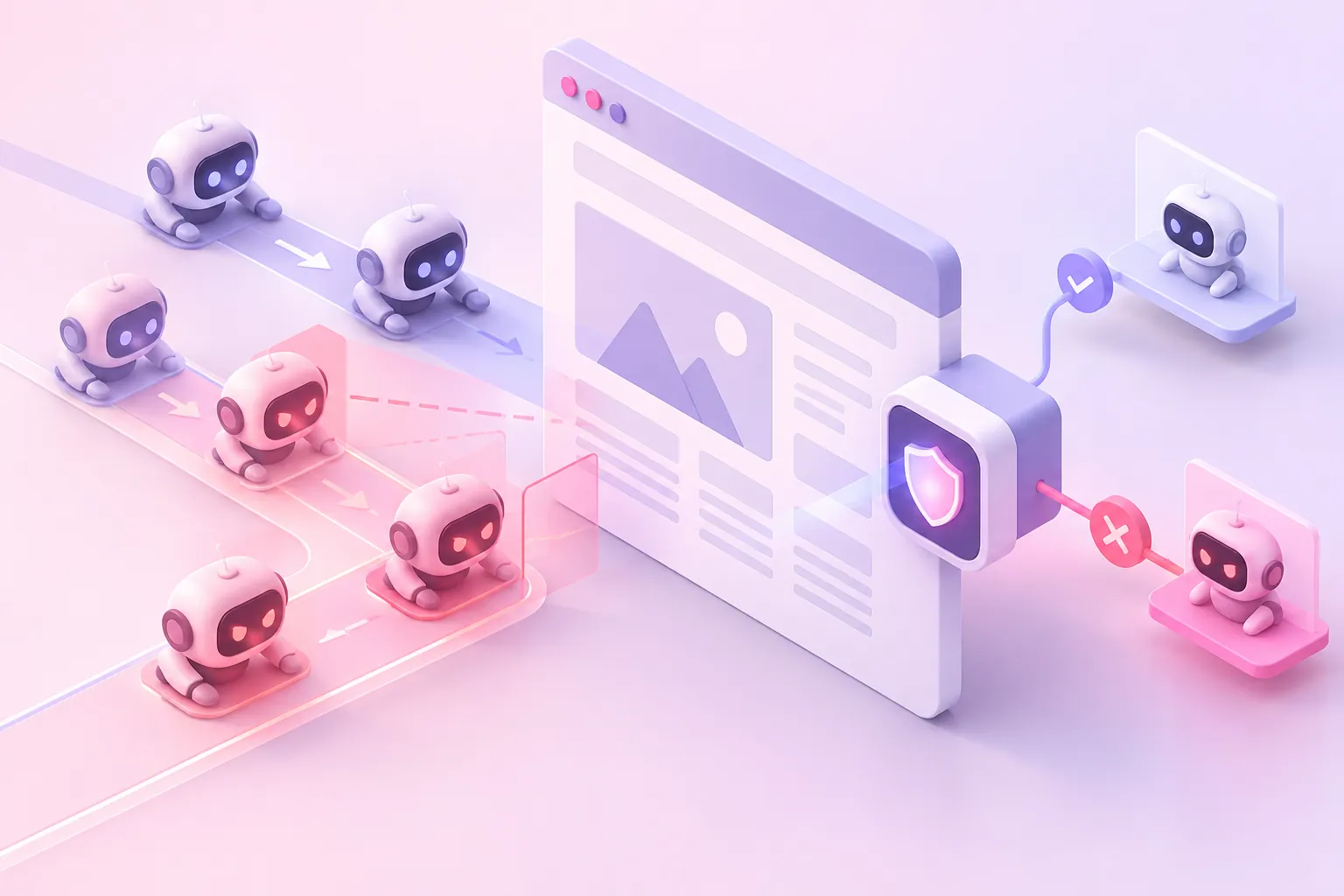
Know the agents that declare themselves. Crawlers and fetchers from OpenAI, Anthropic, Perplexity, DuckDuckGo and Meta can be checked against the addresses their operators publish or the networks they run on. More than half the requests calling themselves AI agents on our own site were not what they claimed, so check the address, not the name. The full list is in how to detect AI agents.
Spot the ones that do not. An agentic browser such as Muse has to be judged on whether the device it claims to be holds together. Arcjet caught Muse on two contradictions: a browser claiming an x86_64 machine whose client hints report an ARM processor, and graphics drawn in software because there is no GPU. Contradictions like these, and the network the request arrives from, are harder for an agent to hide than anything it reports about itself.
Act per path. The decision for /search and for /checkout should be different, and it has to be made on the request, before the purchase is made, rather than in a cancellation sweep afterwards.
Keep the reason. When a customer's agent is refused, you need to tell them why. When an agent maker asks why their product is blocked, you need an answer you can stand behind. A risk score is not one.
Where Prosopo fits
Prosopo Protect is a script tag on your pages, with edge protection on Cloudflare Workers or AWS Lambda@Edge. Access Rules match on IP range, ASN, country, user-agent, JA4 fingerprint and IP category, and apply per site and path, so you can let verified assistants read everything, refuse requests that use an AI agent's name from someone else's network, and require evidence of a person on checkout, sign-in and booking changes. Its checks compare the device a browser claims to be with the connection it arrives on, and every block names the detector that fired.
Every deployment starts with 14 days in preview mode, where everything is checked and nothing is blocked. That is the quickest way to find out how much agent traffic already reaches your checkout before you decide what to do about it. If you sell tickets, the same controls are the ones that stop scalper bots at an on-sale.
Deciding what AI agents may do on your site?
A Bot Exposure Assessment is a 30-minute call with an engineer. We look at your traffic, show where your current setup leaves gaps, and agree how a trial would be judged. Nothing to install first.
Questions
Something else? Ask an engineer.
Has United Airlines banned AI agents?
Yes, from 11 November 2026. United's Contract of Carriage now prohibits using AI agents to make, modify or service a ticket, or to buy any service or product, even when a passenger supervises or approves what the agent does. Travellers can still use AI tools to research and compare fares. United can cancel reservations made or changed by an AI agent without notice.
Why did United ban AI agents from booking flights?
United said that sharing account credentials with third-party AI assistants can expose sensitive information and lead to unintended purchases, account changes or use of MileagePlus miles. It also pointed to federal rules that require passengers to confirm their bags hold no banned items themselves, and its chief executive Scott Kirby said he did not want another middleman between United and its customers.
How did Amazon block Meta's Muse agent?
Amazon shows Muse users a message saying that continued access by an unauthorised AI agent breaks Amazon's Conditions of Use. Amazon has not said how it spots Muse. Its complaint was that Muse does not identify itself while browsing, does not have Amazon's agreement, and appears to store customers' credentials.
Can I block AI agents from my checkout but not from my site?
Yes, and for most sites that is the better policy. Let agents browse, search and compare, because that is how assistants find and cite you, and require evidence of a person, or an agent you have approved, at the steps that spend money or change an account: sign-in, checkout, payment, and changes to a booking. That needs detection that works per path, because agents such as Meta's Muse present as an ordinary Chrome browser.
Can a website tell if an AI agent is controlling my Chrome browser?
Often not from what the browser reports. Since Chrome 144 a user can let an agent attach to the browser they are already using, with their own sign-ins, through Chrome's remote debugging setting. The device, cookies, fonts, graphics card and home connection the site sees are all genuinely the user's. What can still differ is how the input arrives and how it behaves.
How do brands keep customers when AI assistants become the interface?
By being the answer the assistant gives, giving customers' agents an official way to use the site on terms the business sets, and keeping a person at the steps that cannot be delegated. That means facts and prices an assistant can read and cite, an API or agent channel with its own rules instead of a scraped booking page, and checkout, consent and account changes kept with the customer.
Is a terms-of-service ban on AI agents enough?
It gives you the right to cancel, but it does not stop the booking happening. An agent that does not identify itself goes through the same checkout as a person, so the business finds out afterwards, if at all. A ban needs detection at the point of purchase to be more than a policy.
Related reading
 Agentic browsers: your customer is now a robot, and that is fine An agentic browser is automation operated by a real customer. It fails every classic bot test and still deserves to reach your checkout. The answer is to require evidence of a human on particular steps, rather than to judge the client.
 Perplexity Comet: what an agentic browser does to your site, and the court case about it Comet is free on every platform and its agent acts on sites for a real user. Amazon sued over exactly that, won an injunction, then lost it on appeal. The access question is now a live legal one.
 ChatGPT Atlas has been discontinued: what replaced it and what it means for your site OpenAI switched Atlas off on 9 August 2026, 292 days after launch. The browser is gone, the agentic traffic is not, and the replacements reach your site from different places.
 How to detect AI agents on your website Over half the AI-agent traffic in our logs was spoofed. Check crawlers against vendor IP ranges or signatures, and judge agentic browsers on behaviour.
 Web Bot Auth: signed agents solve identity, not intent Web Bot Auth lets an AI agent cryptographically sign its requests so you can verify who it is. That fixes user-agent spoofing and leaves the harder question untouched: a verified agent can still be doing something you do not want.
 llms.txt: AI crawlers read robots.txt 170 times as often We have published an llms.txt since May 2026. Over twelve days of IP-verified logs, AI crawlers fetched our robots.txt 511 times and llms.txt three times.