
How to add CAPTCHA to Blocksy
Stop fake newsletter signups on Blocksy — Procaptcha protects the Newsletter Subscribe block and the theme's account modals, with no per-form setup.

CAPTCHA 2 min read

What is Blocksy?
Blocksy is a fast, block-editor-first WordPress theme from CreativeThemes. Its companion plugin, Blocksy Companion, adds extensions such as Newsletter Subscribe, along with login, registration and password recovery modals that open directly in the header.
Newsletter forms are the quietest spam problem on a WordPress site. There is no comment thread filling up and no contact-form email landing in your inbox — just a mailing list slowly filling with junk addresses, which drags down your deliverability and, on most email platforms, your bill.
Why Use Prosopo Procaptcha With Blocksy?
Prosopo is a specialist bot and agent trust platform. Every block comes with a reason, in plain words, on a proprietary detection engine with an open-source client stack. UK-incorporated, EU-processed, GDPR-native. It stops the abuse patterns WordPress form spam alone doesn't cover:
- Scraping
- Denial of inventory
- Credential stuffing
- Account takeover
- Click through rate/ad fraud
- Ticket scalping
- Black friday automation (and more general sale automation)
- Phishing attacks
- Loyalty programme automation
Prosopo also keeps visitor data out of Google's data controller chain for reCAPTCHA telemetry — the 2026 reCAPTCHA terms change reclassified Google as controller rather than processor.
Being spammed by bots?
Stop spam for free today
How to integrate Prosopo Procaptcha with Blocksy
Install the Prosopo WordPress plugin
Register for a free account on Prosopo
Login to the Prosopo dashboard, and copy your site key and secret key
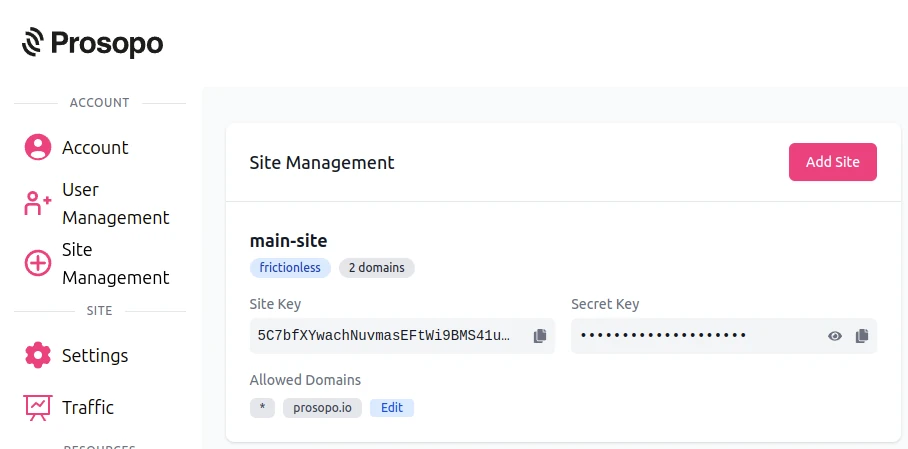
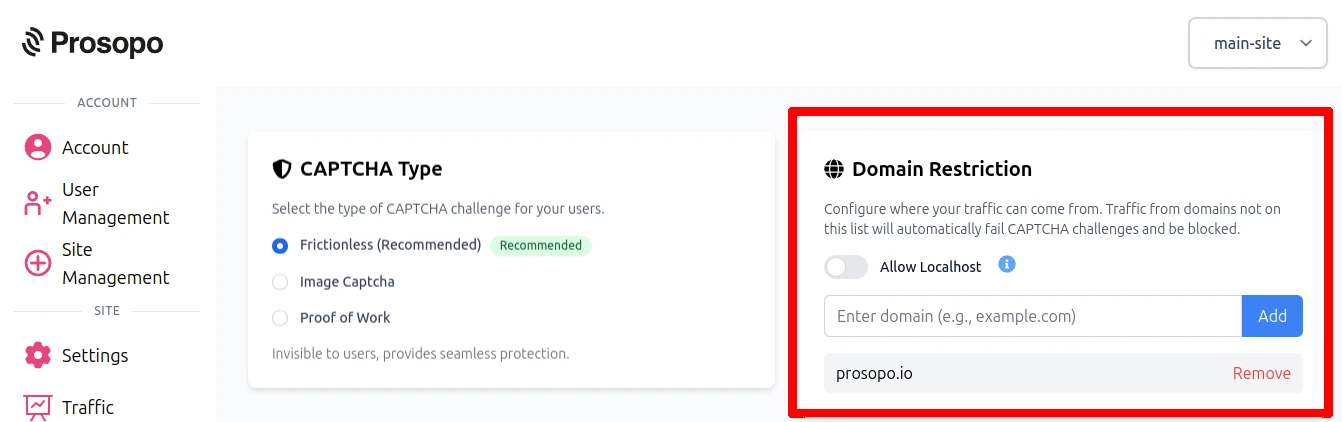
- Add your domain in the Prosopo dashboard, if it is not already present
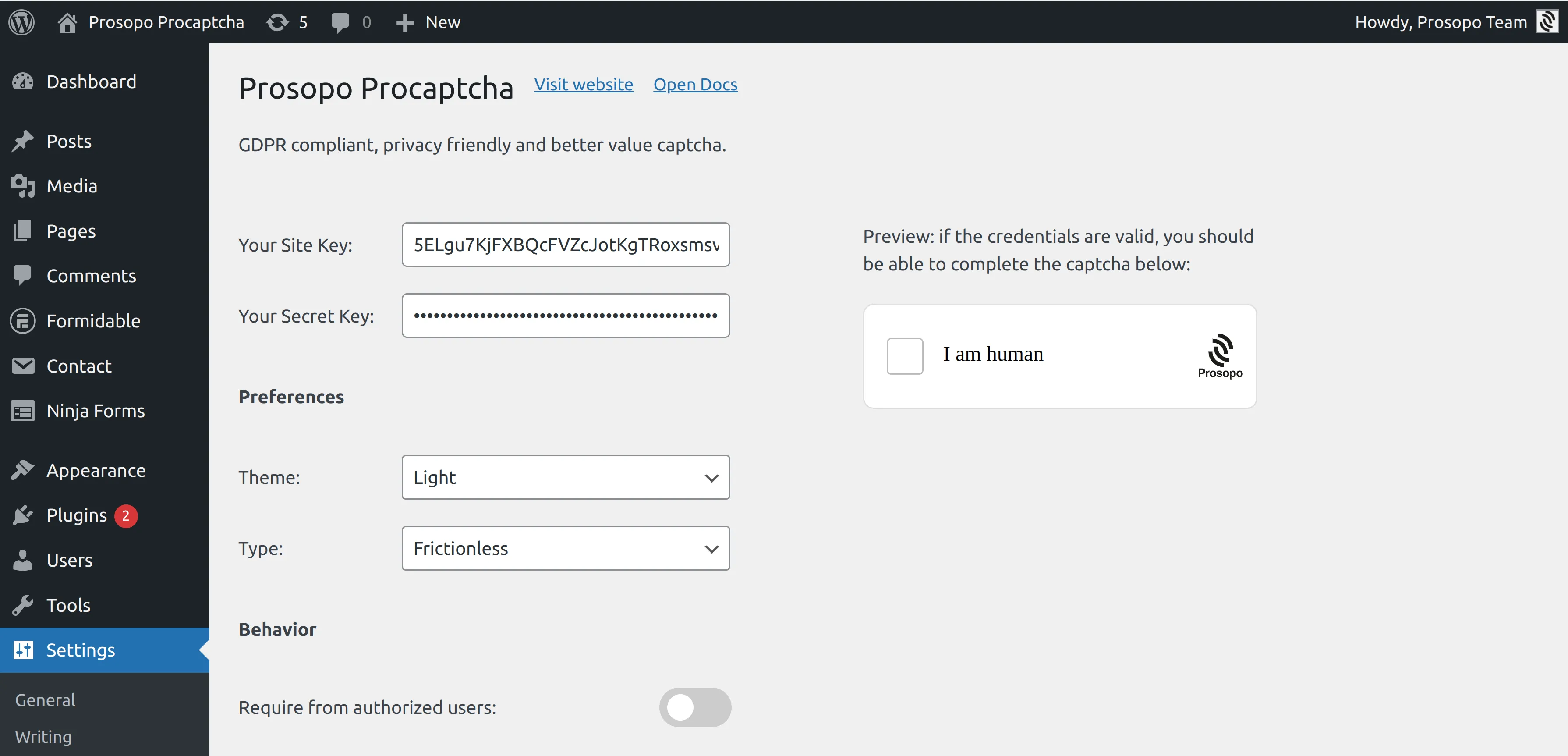
- Add your site key and secret key to the Prosopo WordPress plugin settings. You can find them in Site Management in the Prosopo dashboard.
- Go to Blocksy → Extensions, enable Newsletter Subscribe and connect your newsletter provider. The subscribe form only renders once a provider is connected, so this step is required even if you have already added the block.
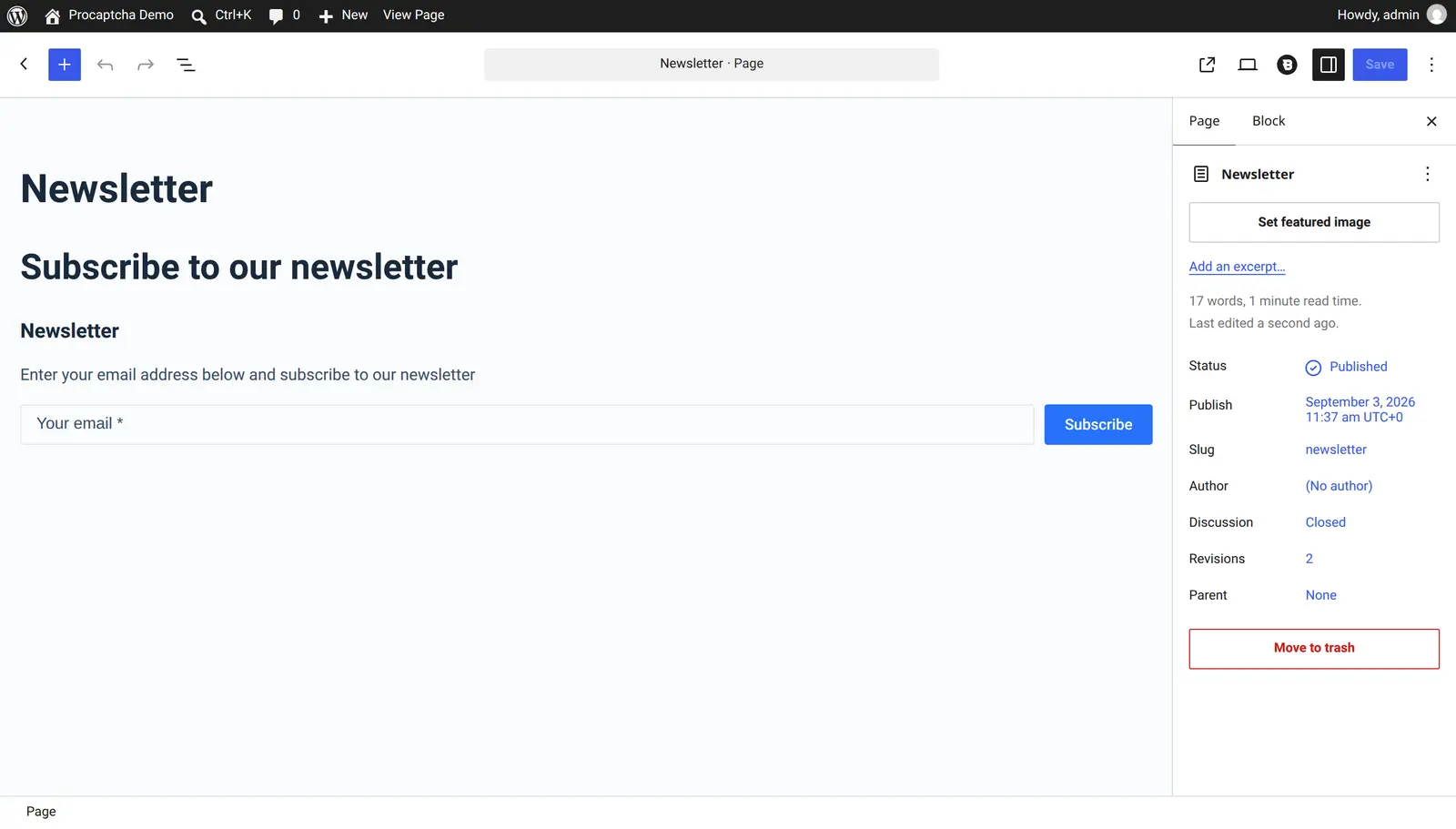
Add the Newsletter block to a page or widget area, or use the
[blocksy_newsletter_subscribe]shortcode. Both are protected automatically — there is no per-form switch. The widget is rendered just above the form's message area, and a submission with a missing or invalid token is rejected before Blocksy's own handler runs.For the Blocksy account modals, open the "Core forms" tab of the Procaptcha settings and enable protection for the login, register and lost password forms as needed. Blocksy builds those modals with the native WordPress account hooks, so the core form toggles are what cover them.
That's it — the newsletter form and the account modals are both protected, with no shortcode edits and no template changes.
For the full reference, see the Blocksy integration guide in the Prosopo docs.
Ready to ditch Google reCAPTCHA?
Procaptcha is free for 10K requests a month. No credit card, no cookies.