
How to add CAPTCHA to Elementor
Add a free, privacy-first CAPTCHA to Elementor Pro forms — Procaptcha blocks bot submissions on the Form and Login widgets without breaking your page-builder layout.

What is Elementor?
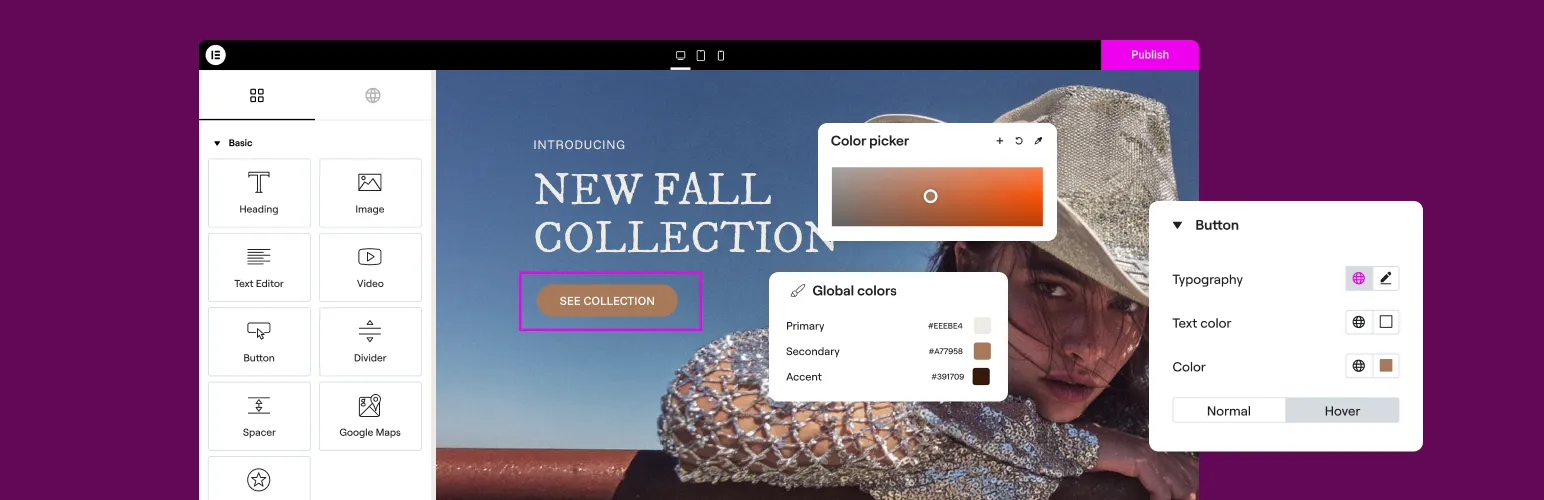
Elementor is the most popular drag-and-drop page builder plugin for WordPress, letting you design custom pages visually without writing code. Its Pro version adds a Form widget and a Login widget, which makes it a common target for spam bots — any form built with Elementor is exposed to automated submissions unless it is protected by a CAPTCHA.
Why Use Prosopo Procaptcha With Elementor?
Prosopo is a specialist bot and agent trust platform. Every block comes with a reason, in plain words, on a proprietary detection engine with an open-source client stack. UK-incorporated, EU-processed, GDPR-native. It stops the abuse patterns WordPress form spam alone doesn't cover:
- Scraping
- Denial of inventory
- Credential stuffing
- Account takeover
- Click through rate/ad fraud
- Ticket scalping
- Black friday automation (and more general sale automation)
- Phishing attacks
- Loyalty programme automation
Prosopo also keeps visitor data out of Google's data controller chain for reCAPTCHA telemetry — the 2026 reCAPTCHA terms change reclassified Google as controller rather than processor.

How to integrate Prosopo Procaptcha with Elementor
Install the Prosopo WordPress plugin
Register for a free account on Prosopo
Login to the Prosopo dashboard, and copy your site key and secret key
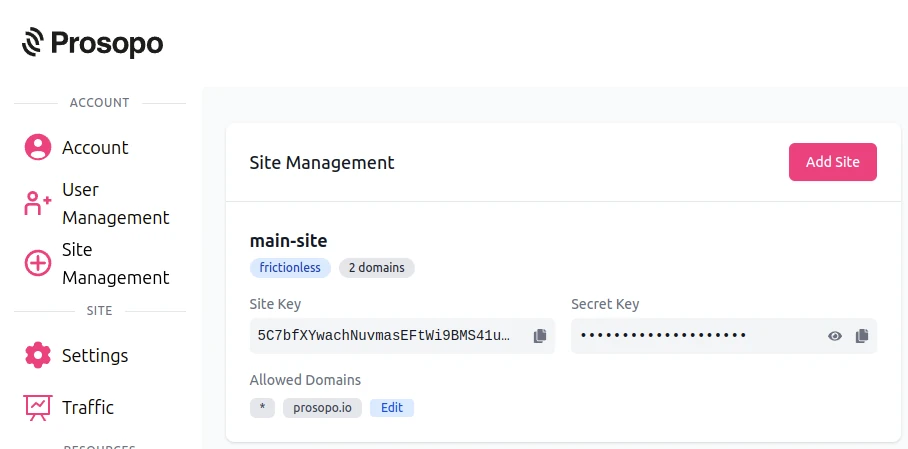
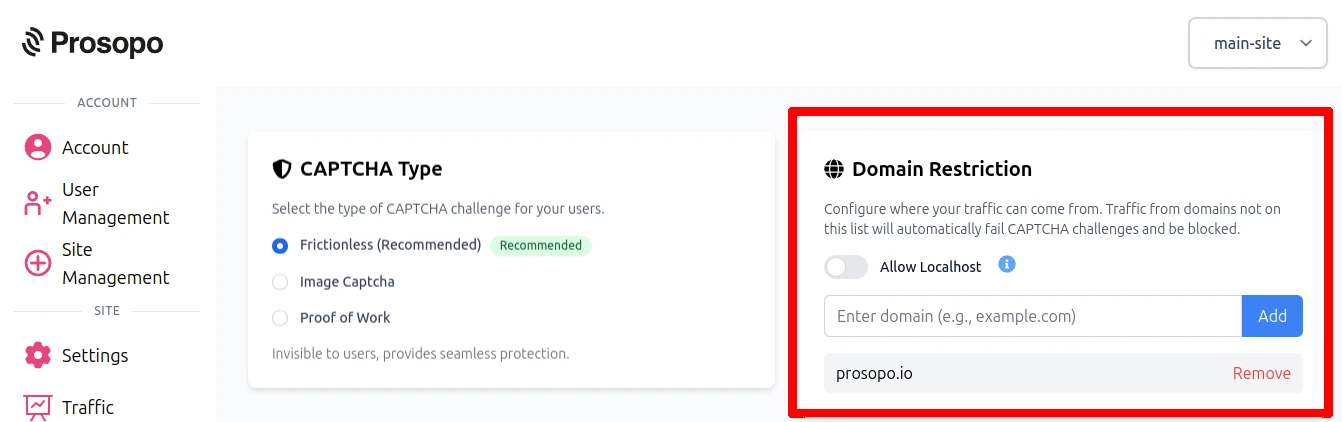
- Add your domain in the Prosopo dashboard, if it is not already present
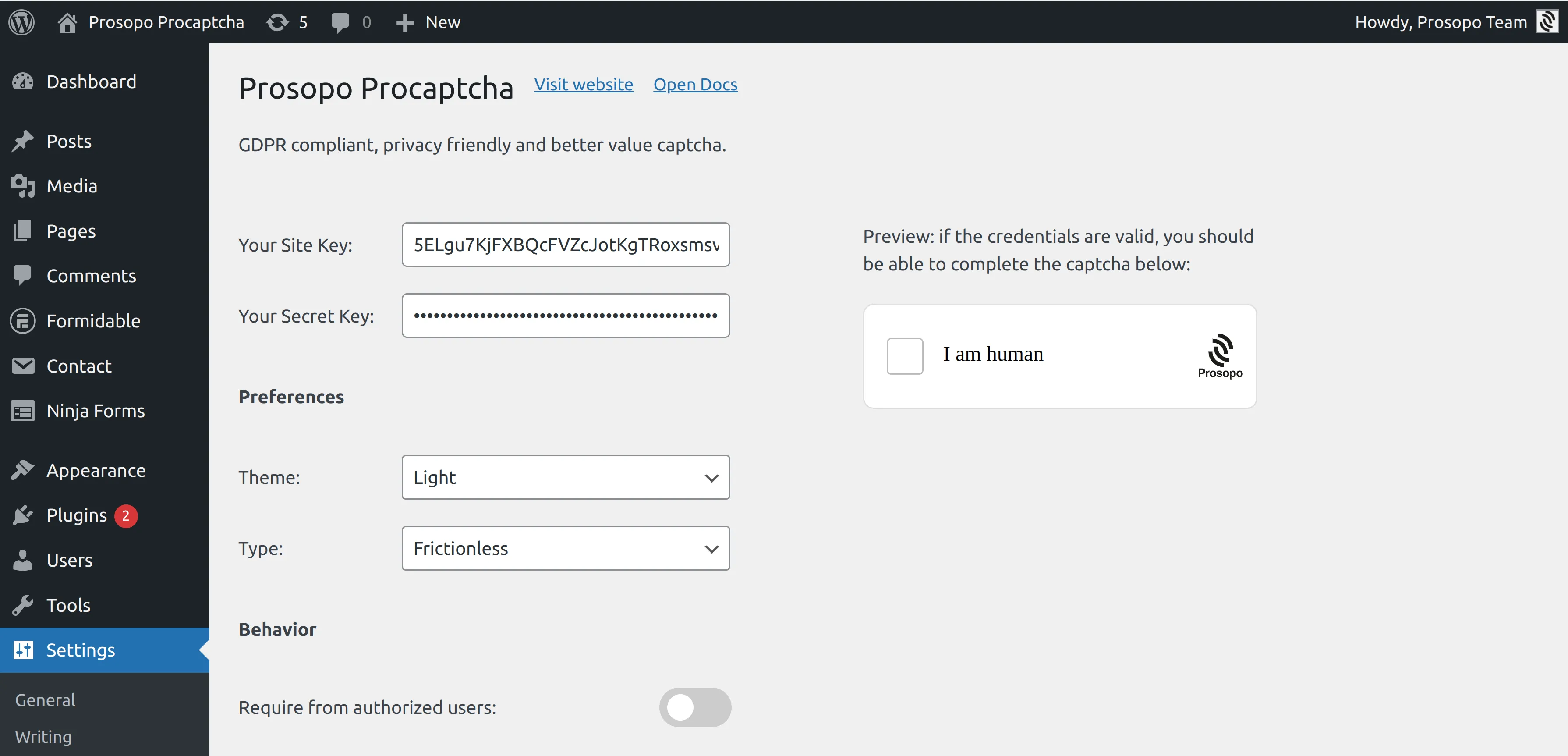
- Add your site key and secret key to the Prosopo WordPress plugin settings. You can find them in Site Management in the Prosopo dashboard.
The Procaptcha plugin extends both of the Elementor Pro form widgets.
Form widget
- Edit the page containing your form widget in Elementor.
- Click to edit the form widget.
- Click to add a new field and select "Prosopo Procaptcha" from the field type list.
- Save the page.
CAPTCHA will now be included in the form, and bot submissions are blocked before they reach your inbox.
Login widget
To protect the Login widget, first make sure the Login Form is enabled in the Procaptcha plugin settings under the "Core forms" tab. Then:
- Edit the page containing your login widget in Elementor.
- Click to edit the login widget.
- In the "Form Fields" section, enable the "Prosopo Procaptcha" checkbox.
- Save the page.
For further details, see the Elementor Pro section of the Procaptcha docs.